
NOTE: Consumers, please see sign-up instructions here.
The CARED mobile app for providers is available for iOS (AppStore) and Android (PlayStore). On iOS you will want to search for "CARED service provider" to find it - on Android "CARED" should be sufficient. Scroll past the ads:
|
iOS AppStore
|
Android PlayStore
|
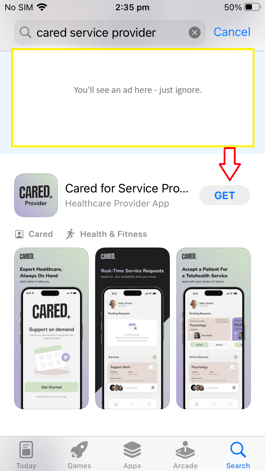
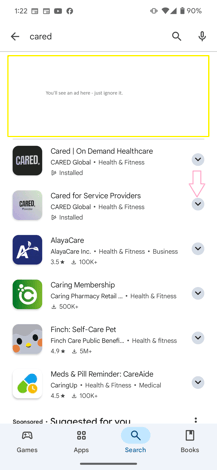
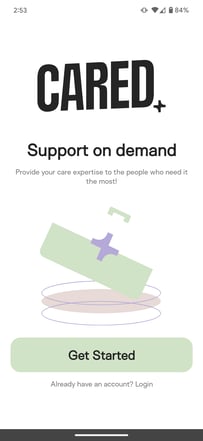
Install the app and open it.
|
Click on "Get Started"
|
Sign in with a social email account at the top, or click on the "Sing Up Now" link to enter any email address:
|
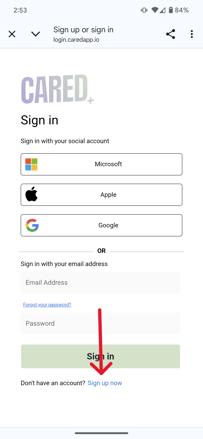
|
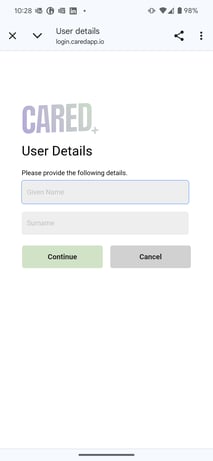
If you sign up with a social account, you have to log in with your credentials (email and password) into that account and accept to share some basic information. You'll use this same approach every time that you log in. To complete the sign-up, the app will ask you for some details:
|
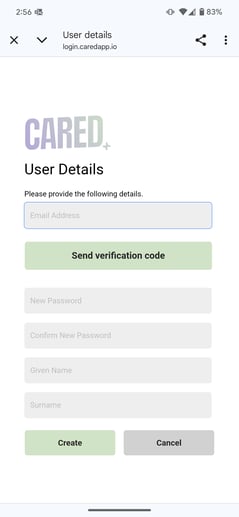
If you sign up with any email address, you will need to confirm that the email exists by sending a verification code. Retrieve the verification code from your email account and enter it into the sign up page, then continue to complete your sign-up:
|
Next, you will be asked to enter some personal and professional information. Follow the screens:
|
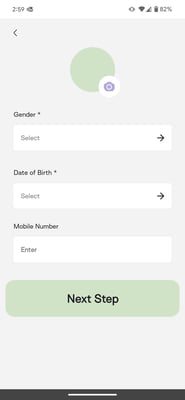
Enter your gender, DOB, mobile number and a photo (by clicking on the camera symbol):
|
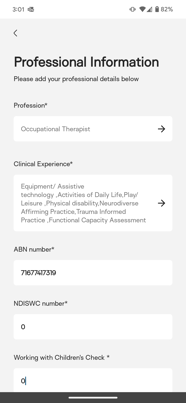
Enter your professional information, including all areas of clinical experience and YOUR ABN:
|
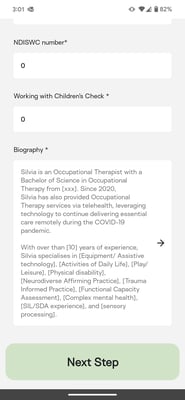
If available, add your check numbers, as well as a brief biography (a template is provided):
|
|
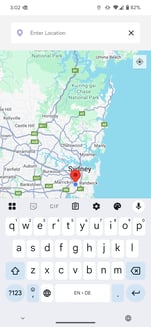
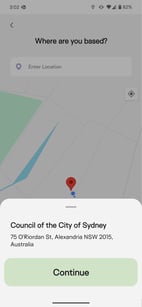
Your location is required for in-person consultations:
|
Clicking on the location focus should automatically find your location:
|
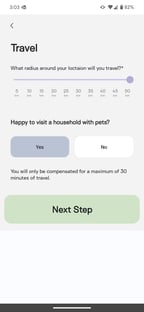
To complete the travel info it asks how far you're prepared to travel:
|
|
Some final questions about preferences:
|
...and languages:
|
And you are finished! 🎉
|
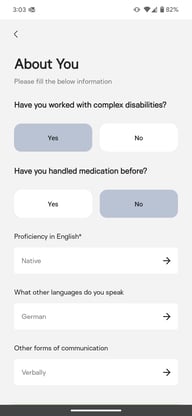
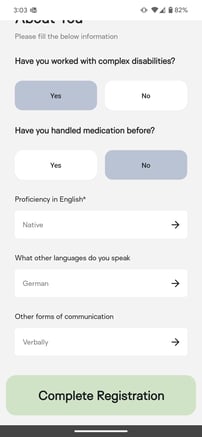
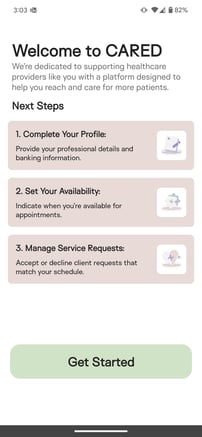
And you are ready with sign-up! 😍 We will be in contact to set up other contracting information.
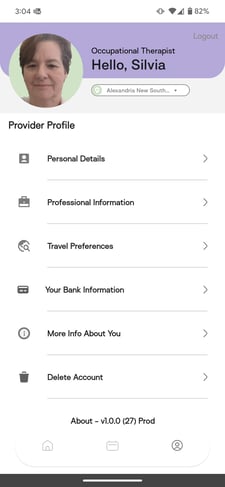
If you want to continue, you can:
- fill in your bank information
- click on the home button at the bottom left and set up your availability
Once we have done our background checks, you will be activated to accept appointment requests.
Congratulations! You are now active on CARED! 😎👍